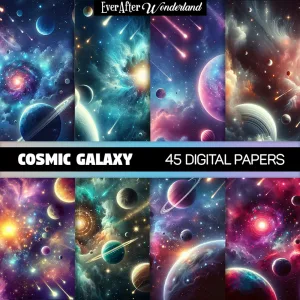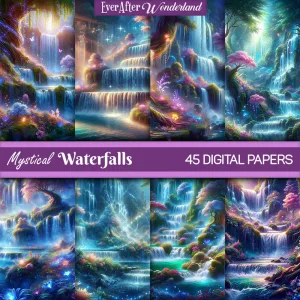
Digital papers are not just for printing. You can also use them digitally to create graphics, social media posts, and printable projects. One of the easiest tools for this is Canva, which makes design simple even if you are brand new to it. At EverAfterWonderland.com you can download high quality digital papers sized at 12×12 inches or 3600×3600 pixels and start using them in Canva right away.
Step 1 Open Canva
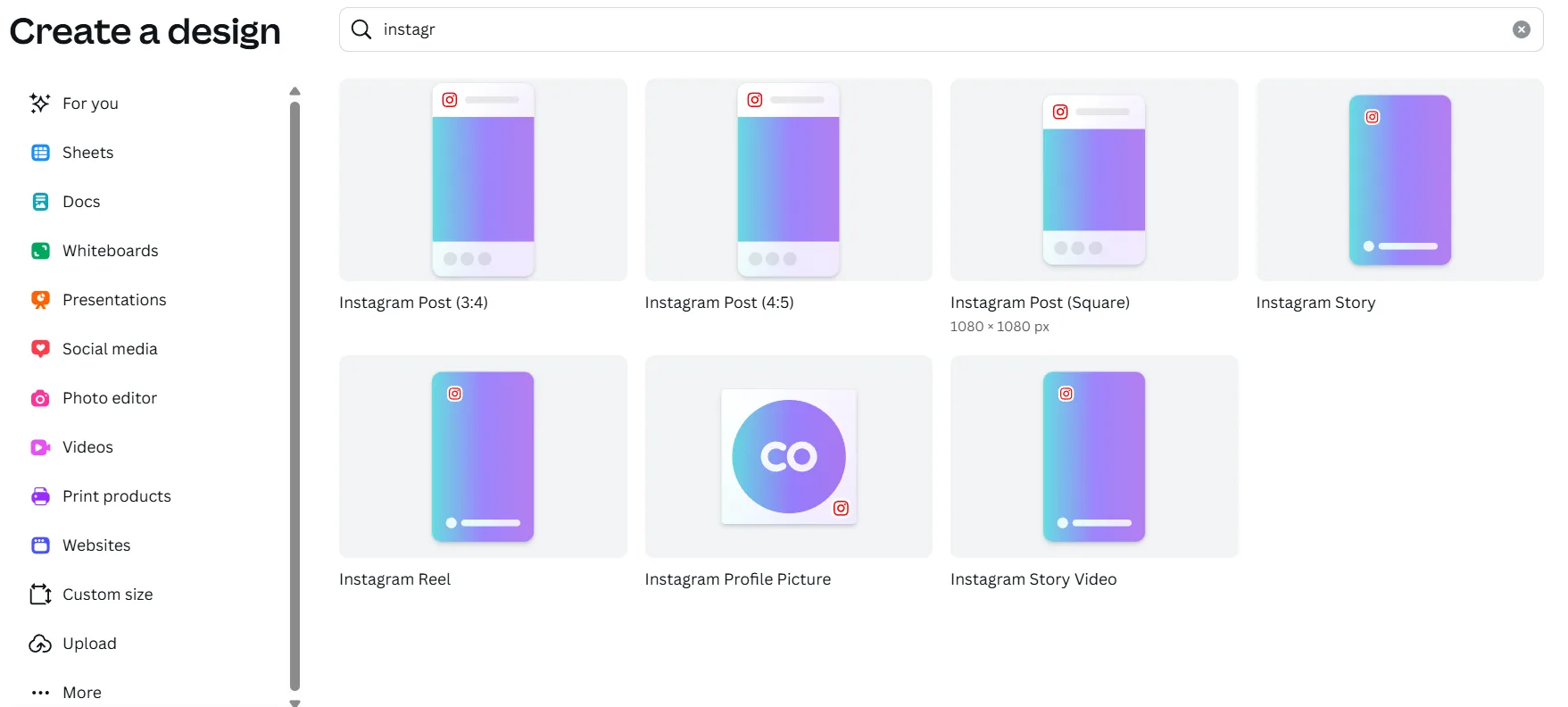
Log into Canva on your computer or app. Choose a blank canvas size depending on your project. Common choices are Instagram post size, A4 for printing, or custom dimensions for your specific need.
Step 2 Upload Your Digital Paper
Click the Uploads tab and upload your digital paper file. Once uploaded, it will be stored in your Canva account so you can reuse it anytime.
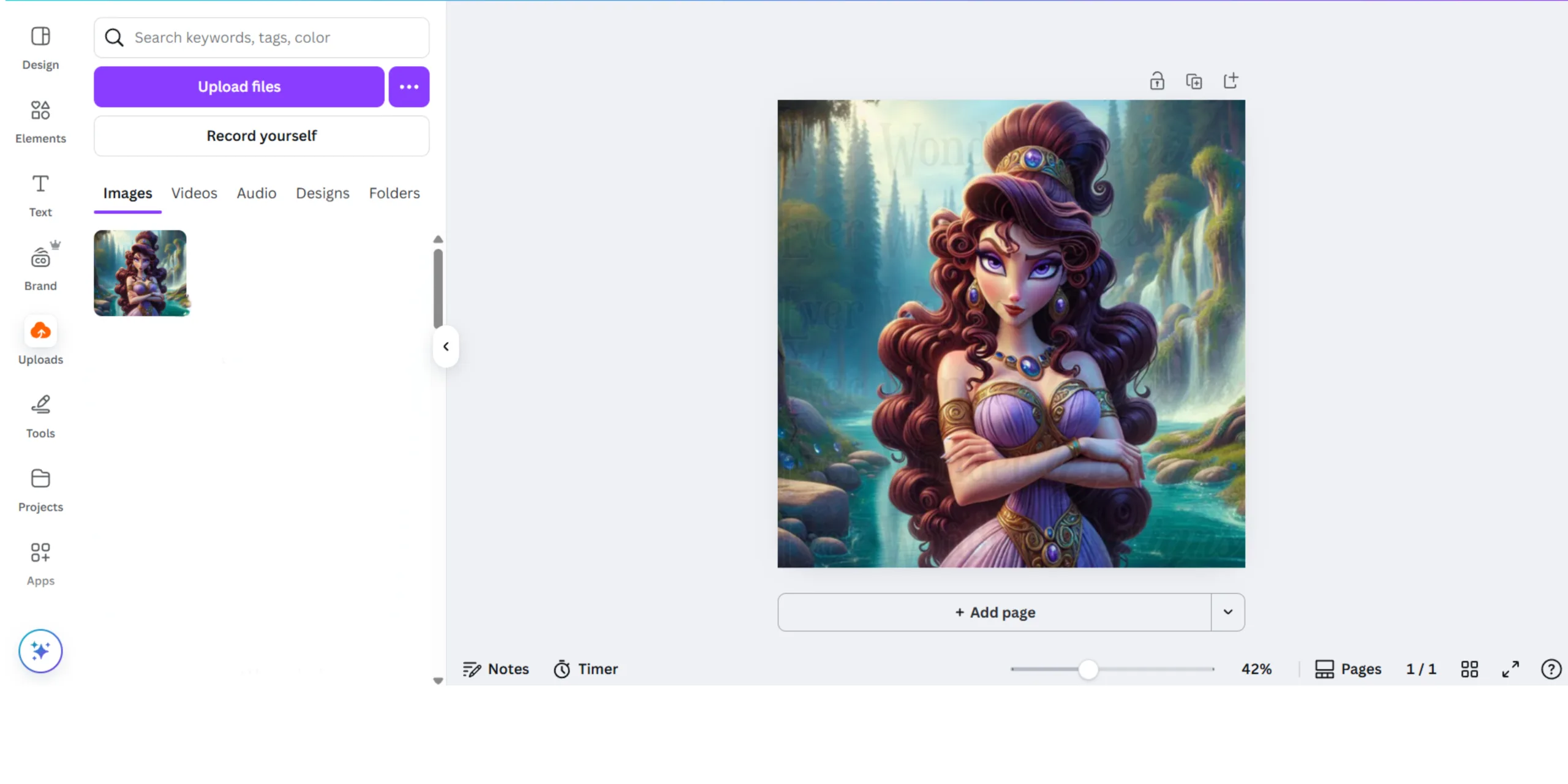
Step 3 Add the Digital Paper to Your Design
Drag the digital paper onto your canvas. You can stretch it to cover the entire background or crop it into shapes. Canva automatically resizes but you can adjust it to keep the full pattern visible.
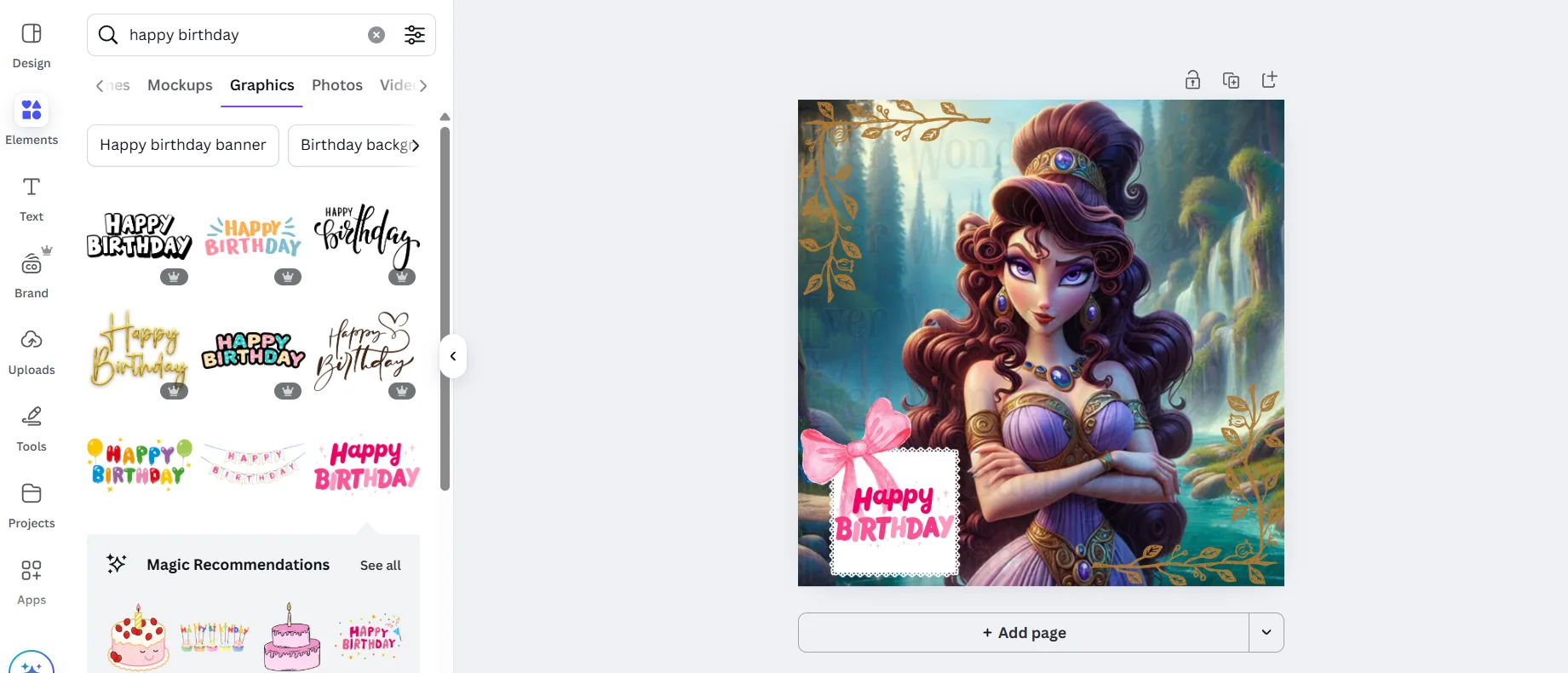
Step 4 Layer with Other Elements
Add text, photos, or graphics on top of your digital paper. You can adjust transparency or layer multiple papers together for a collage effect.
Step 5 Save and Download
When your design is finished, click download. Choose PDF for printing, PNG for high quality images, or JPG for smaller file sizes.
Why Use Canva with Digital Papers
Using Canva with digital papers makes designing easy and flexible. You can create scrapbook layouts, party invitations, journal pages, or social media graphics without needing advanced design software. With EverAfterWonderland digital papers you get high resolution designs that stay crisp no matter how you use them.